
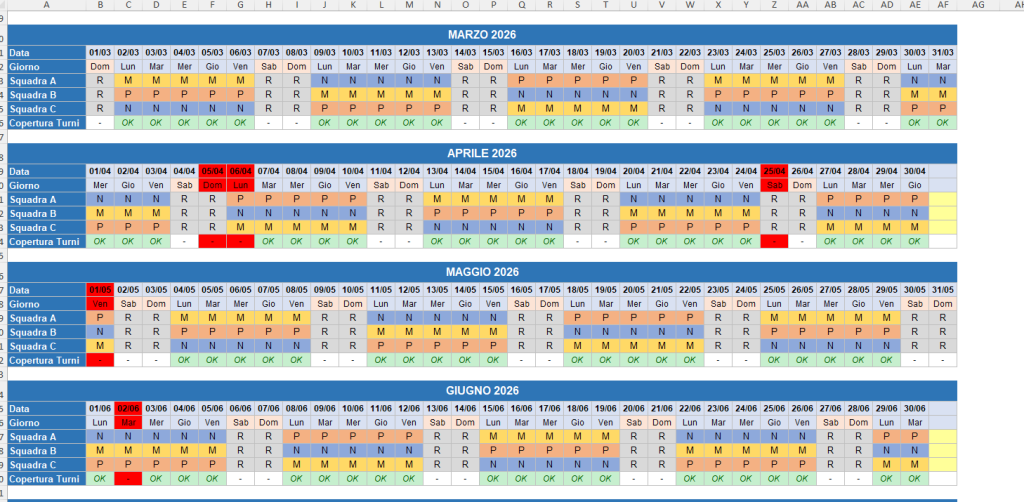
The shift calendar that generates itself.
The problem
Organizing shifts by hand, managing rotations and accounting for leave and holidays is repetitive, error-prone work, with the real risk of leaving shifts uncovered.
The solution
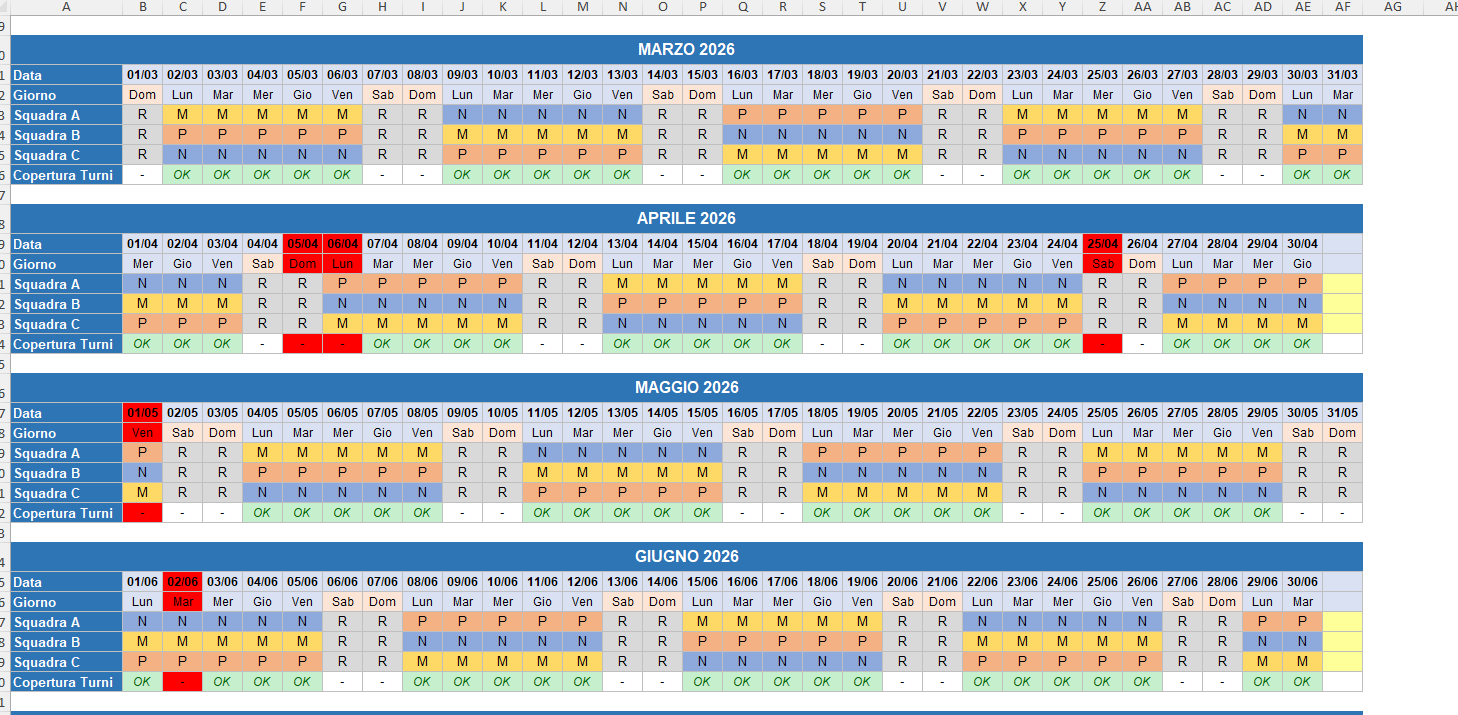
Staff Shift Management automatically generates the shift calendar for any year, accounting for rotations, leave and holidays, and immediately flags any coverage gaps.
What you can do
- Generate the shift calendar for any year by changing a single cell
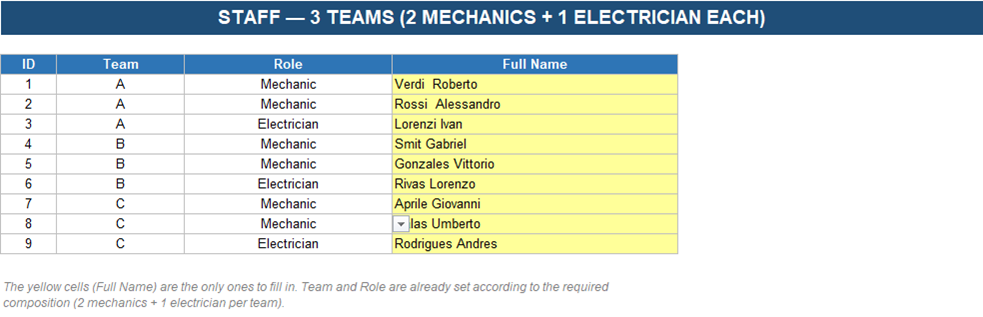
- Manages 3 teams on Morning/Afternoon/Night shifts with automatic weekly rotation, manually editable for exceptions
- Enter leave per person: the shift is automatically removed on absence days
- Automatic alert when a shift is left uncovered on a working day
How it works
- Set the year: the calendar generates itself automatically.
- Enter staff leave per person.
- Check shift coverage with the automatic alert.
Gallery
Compatibility
Requires Microsoft Excel 2016 or later (including Microsoft 365). Generally also compatible with Google Sheets, with possible minor formatting differences.
What’s included
- Ready-to-use Excel file
- Built-in guide inside the file
- Free updates in case of genuine errors
- Support via the Contact page
FAQ
Does it handle public holidays?
The shift calendar regenerates automatically when you change the year; holidays can be marked manually on the calendar.
Do I need advanced Excel skills?
No, the file is ready to use: just enter your data.
How do I receive the product?
Automatic delivery by email right after purchase.
Is it compatible with my version of Excel?
It requires Excel 2016 or later, including Microsoft 365.
Can I use it on Google Sheets?
Generally yes, with possible minor formatting differences.