
Plan maintenance for every asset based on its real criticality.
The problem
Without a structured plan, maintenance only gets addressed once something breaks. There’s no objective way to know which assets need priority attention, and critical spare parts can run out of stock without warning.
The solution
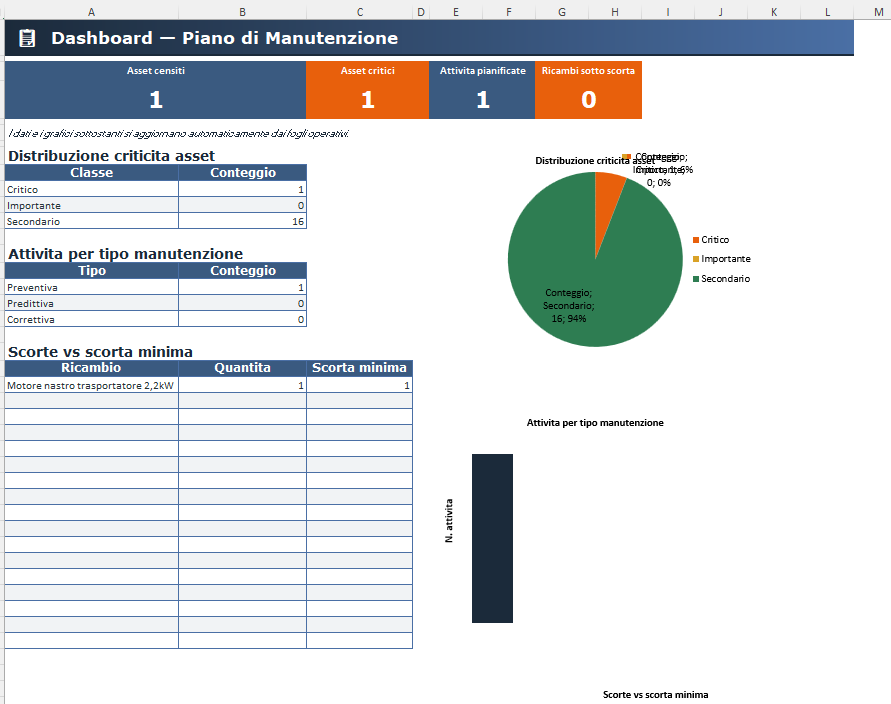
Maintenance Plan centralizes assets, criticality and spare-parts stock in a single file, so you can plan interventions based on objective priorities instead of only acting once something breaks.
What you can do
- Score each asset on 4 risk factors (production impact, failure cost, safety, redundancy)
- Criticality class (Critical/Important/Secondary) calculated automatically
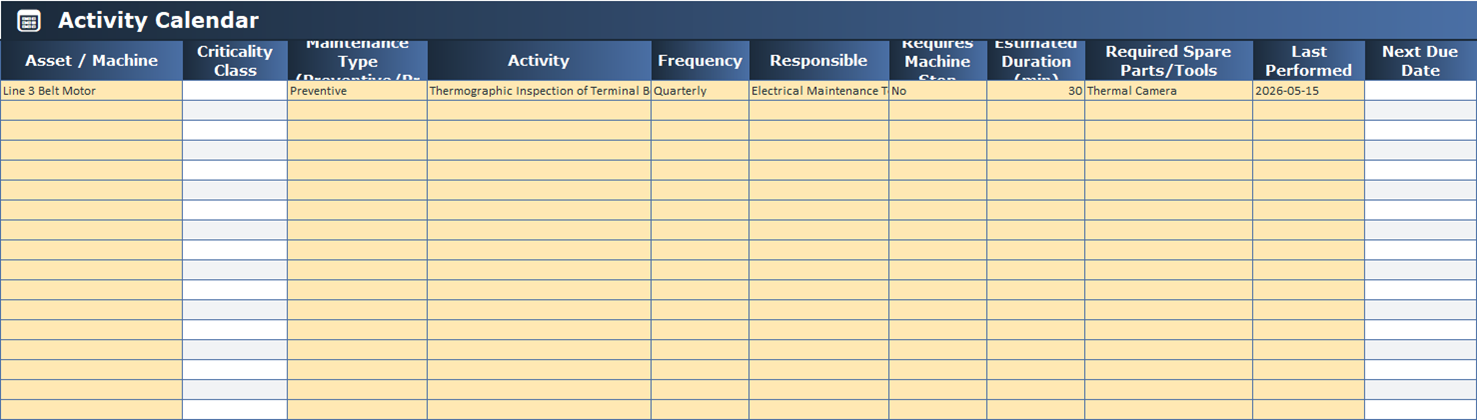
- Plan preventive, predictive or corrective interventions with automatic due dates and overdue alerts
- Track critical spare parts in stock, with a warning when they fall below the minimum
How it works
- List your assets and score the 4 risk factors.
- The file calculates criticality and plans interventions.
- Track due dates, alerts and spare-parts stock from the dashboard.
Gallery
Compatibility
Requires Microsoft Excel 2016 or later (including Microsoft 365). Generally also compatible with Google Sheets, with possible minor formatting differences.
What’s included
- Ready-to-use Excel file
- Built-in guide inside the file
- Free updates in case of genuine errors
- Support via the Contact page
FAQ
How is asset criticality calculated?
Automatically, based on the 4 risk factors you enter (production impact, failure cost, safety, redundancy).
Do I need advanced Excel skills?
No, the file is ready to use: just enter your data.
How do I receive the product?
Automatic delivery by email right after purchase.
Is it compatible with my version of Excel?
It requires Excel 2016 or later, including Microsoft 365.
Can I use it on Google Sheets?
Generally yes, with possible minor formatting differences.